Agent Replays with TraceTrail: Loom for Agent Runs
AI Tools Deep Dive
20 parts- 1Claude Design: Anthropic's Bet That Designers and Developers Want the Same Tool
- 2The 10 Best AI Coding Tools in 2026
- 3Cursor: The AI-Powered Code Editor That Changed How Developers Work
- 4OpenAI Codex: Terminal and Cloud AI Coding Agent
- 5Gemini CLI: Free AI Coding With 1M Token Context
- 6Kimi K2: Fast, Cheap, and Efficient Coding
- 7GitHub Copilot in 2026: Still Worth It for TypeScript Developers?
- 8Aider vs Claude Code: Open Source vs Commercial AI Coding CLI
- 9Aider vs Claude Code in 2026: Git-First Open Source vs Subagent Runtime
- 10Every AI Coding Tool Compared: The 2026 Matrix
- 11Qwen3.6-27B Is the Local Coding Model to Test First
- 12Zed Just Made Parallel AI Agents a Native Editor Primitive
- 13Warp Open Sourced the Terminal. The Real Story Is Agent Operations
- 14AI Design Slop: 16 Patterns That Out Your App as Vibe-Coded
- 15The Claude Design Moment: AI Design Skills Just Got Their Breakout Week
- 16Codeburn: The First TUI That Actually Shows Where Your Claude Max Subscription Is Going
- 17Promptlock: Deterministic Prompt Versioning for LLM Apps
- 18Agent Replays with TraceTrail: Loom for Agent RunsCurrent
- 19Hookyard Shows Why Claude Code Hooks Need a Package Manager
- 20MCP Lens: Wireshark for Model Context Protocol Servers
TL;DR
Agent runs are opaque. TraceTrail turns a Claude Code JSONL into a public share link with a stepped timeline of messages, tool calls, and tokens.
Last updated: June 24, 2026
Sources
- OpenTelemetry traces
- LangSmith observability
- Langfuse tracing
- OpenAI Agents SDK tracing
- Claude Code settings
The problem: agent runs are a black box
You give an AI coding agent a task. Twenty minutes later it comes back with a diff, a passing test, and a vague summary of what it did. If the diff is right, you ship it and move on. If something is off, you have a problem.
The actual run lives inside a transcript file somewhere on disk. For Claude Code that is a JSONL under ~/.claude/projects/<dir>/<sid>.jsonl. Hundreds of lines of message blocks, tool calls, tool results, and usage records. Readable, technically. Useful, not really.
So you do one of three bad things. You scroll the terminal scrollback until your eyes glaze over. You paste the JSONL into a chat window and ask another model to summarize it. Or you give up and re-run the task with extra logging, which means the original failure is now gone.
This is the gap. Agent runs have no shareable artifact. There is no link you can drop into a thread that says "here is exactly what the agent did, step by step, with the tool calls and the token spend, in a UI a human can scan in thirty seconds."
That is what TraceTrail is. The missing share link for AI coding agents.
The broader category is agent observability. OpenTelemetry traces give software teams a vocabulary for spans and causality. LangSmith, Langfuse, and the OpenAI Agents SDK all expose tracing surfaces for model and tool runs. TraceTrail sits in the more specific lane of "show me the transcript artifact from this coding-agent run."
What TraceTrail does in one sentence
Upload an agent transcript. Get a public /r/<id> URL. Anyone with the link can replay the run as a stepped timeline.
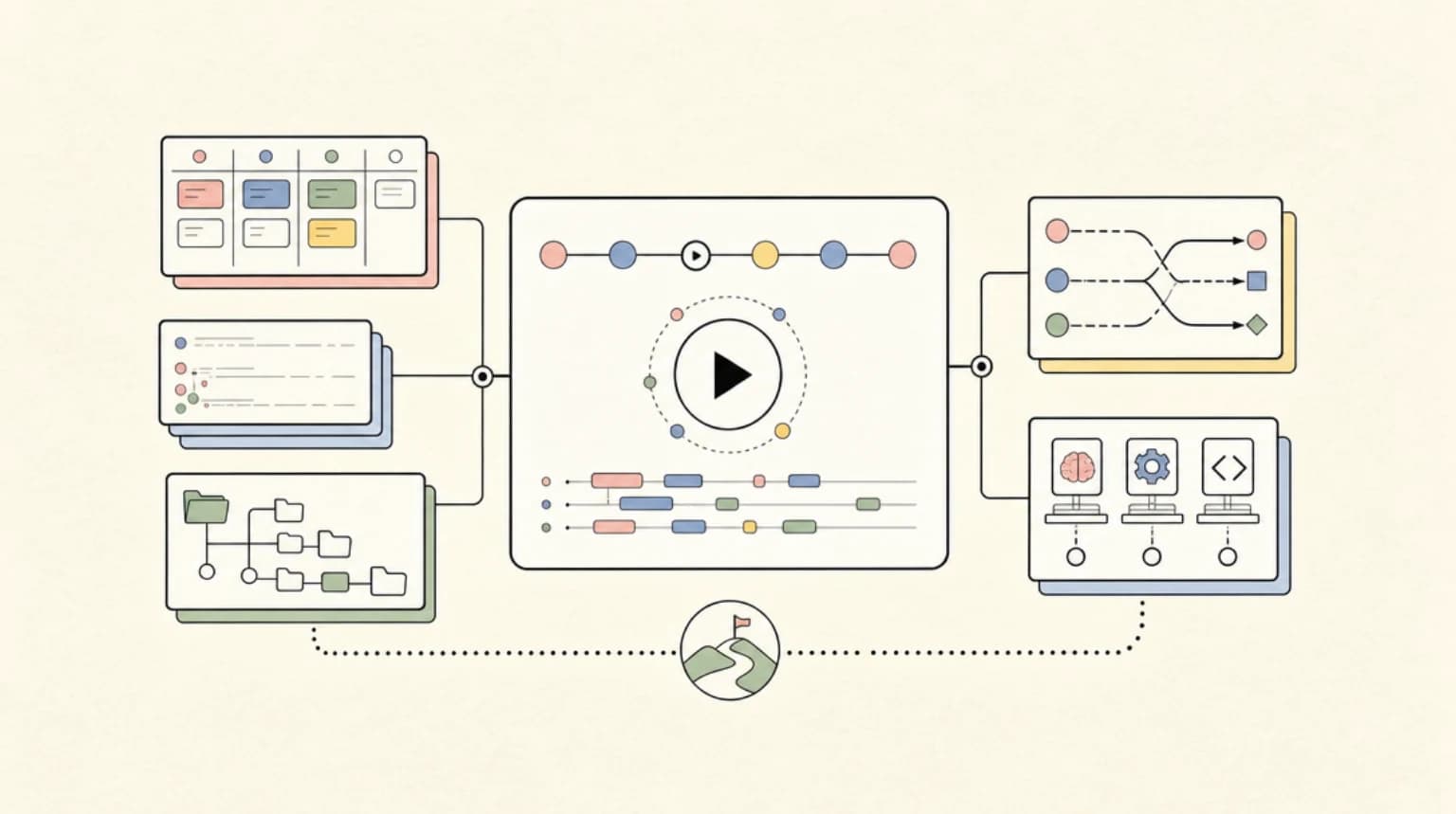
The mental model is Loom, but for agents instead of screen recordings. You ran something private. You want to show somebody what happened. You generate a link and paste it.
Install and upload
TraceTrail is a Next.js app backed by Neon Postgres and Clerk. The MVP is intentionally small. Three routes, one parser, one timeline view.
If you are running it locally, the setup is the standard shape:
git clone <your-tracetrail-repo>
cd tracetrail
pnpm install
cp .env.example .env.local   # fill in Clerk + DATABASE_URL
psql "$DATABASE_URL" -f drizzle/0000_initial.sql
pnpm dev
Open http://localhost:3000, sign in through Clerk, and you land on a single upload form. Drag a transcript onto it, or pick a file. The accepted shapes are:
- Claude Code JSONL. One JSON object per line, with
type,message.role, andmessage.contentblocks. This is the format Claude Code already writes to~/.claude/projects/. - JSON array. A plain array of
{ role, content }message objects. This is what most generic agent frameworks emit. - Single JSON object with an
events: [...]field. For frameworks that wrap their runs in metadata.
Behind the form is POST /api/upload. It is auth-gated: you have to be signed in to push a transcript. The endpoint returns { id, url }. The url is your share link.
The replay route, GET /r/[id], is public on purpose. Once a run is uploaded, anyone with the link can watch it. This is the Loom tradeoff. Public-by-default is the whole point of a share link. If a run contains anything sensitive, do not upload it. There is no redaction in the MVP and there is no delete UX yet either.
Newsletter
Get the weekly deep dive
Tutorials on Claude Code, AI agents, and dev tools, delivered free every week.
From the archive
Best Claude Code Skills in 2026: A Curated Directory
Apr 28, 2026 • 10 min read
An Agent SDK Triage Bot for Commercial Insurance Submissions
Apr 28, 2026 • 12 min read
Claude Code as an HL7 to FHIR Migration Agent for Hospitals
Apr 28, 2026 • 11 min read
Hookyard Shows Why Claude Code Hooks Need a Package Manager
Apr 28, 2026 • 9 min read
What the share link reveals
The replay page is a stepped timeline. Each event in the transcript becomes one step. The parser at src/lib/parse.ts flattens the raw JSONL into four event kinds:
- Messages. User, assistant, or system text. The role is normalized so generic transcripts and Claude Code transcripts render identically.
- Tool calls. Each
tool_useblock becomes its own step, with the tool name and the input JSON. Bash commands, file reads, edits, web fetches, MCP calls. All of it. - Tool results. The output that came back. Truncated to 8 KB per result so a single noisy
lsdoes not balloon the page. Errors are flagged. - System events. Init blocks, hook outputs, anything tagged
system.
At the top of the page you get the totals: input tokens, output tokens, message count, tool call count. Token totals only show up when the source transcript actually included usage.input_tokens and usage.output_tokens. There is no tokenizer fallback. If your framework does not record usage, that section will be zeros, and that is honest.
The visual job of the timeline is just to make the run scannable. You should be able to skim the steps, see where the agent went off the rails, expand the tool result that matters, and close the tab. No video player to scrub through. No chat UI to scroll. Just a list of what happened, in order.
Use cases
Once you have a share link primitive, a bunch of workflows that used to be painful become one paste.
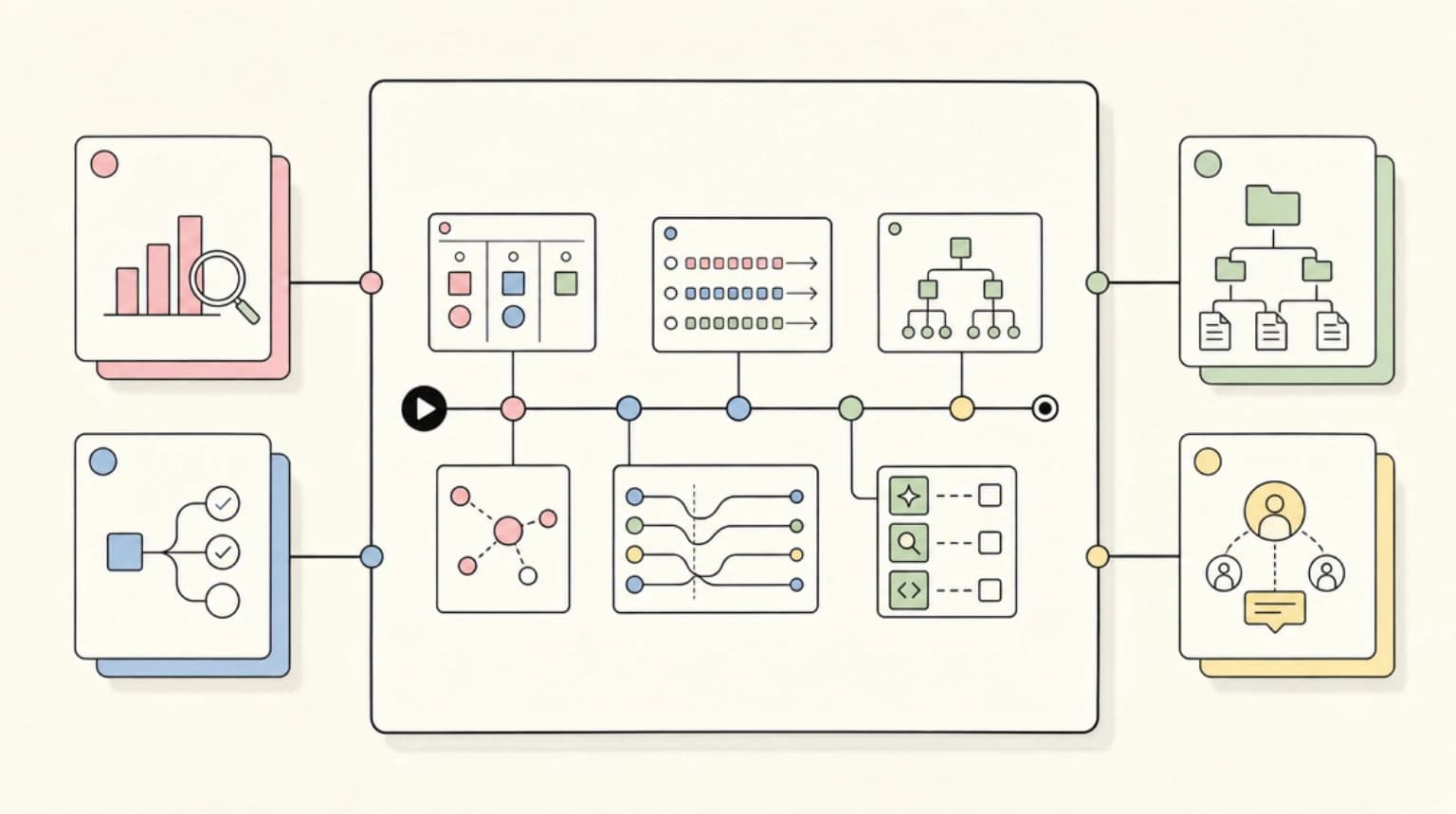
Debugging your own runs. When a long agent run produces a wrong answer, you upload the JSONL and look for the moment things went sideways. Usually it is one bad tool result that the agent then built ten more steps on top of. Seeing the timeline at a glance is faster than grep-ing the JSONL.
Onboarding teammates. New person joins. You want to show them how Claude Code actually works in your repo. You drop three replay links into the onboarding doc: a clean run, a recovered run, a failed run. They scrub through in five minutes and get more context than an hour of pairing.
Showing clients or stakeholders. Non-engineers do not want to watch a screen recording of you typing. They want to see "the AI did these eight steps and produced this PR." A replay link is the right object for that conversation. It is also the right object to attach to a status update.
Evaluating sub-agents. If you run agent teams, you have N parallel runs per task. Having a stable URL per run lets you compare them the way you would compare videos in the compare hub. Pick the cleanest run. Link it. Move on.
Pairing with another agent. Tools like Promptlock version the prompts that go in. TraceTrail captures the runs that come out. Together they close a loop: you can change a prompt, replay the resulting agent run, link the replay back to the prompt version, and have a real audit trail.
The same idea shows up in agent swarms needing receipts, permissions and rollback for AI coding agents, and agent evals needing baseline receipts. If an agent can change code, the run should leave enough evidence for another human or agent to inspect.
What TraceTrail is not yet
The MVP is deliberately narrow. A few things people will ask for that are not in this version:
- No redaction. The parser does not scan for secrets, file paths, or PII. Whatever is in your JSONL ends up on the public page. Treat the upload form like
gist.github.com: only paste what you would paste into a public gist. - No delete UX. There is no dashboard to list your uploads or revoke a link. The id is unguessable, but the design assumption is "public forever once uploaded."
- No streaming uploads. The
/api/uploadroute buffers the whole file in memory with a 10 MB cap. Long agent runs in the tens of MB will fail. Chunked ingest is on the list. - No tokenizer fallback. Token totals come from the transcript or they come back zero. No re-tokenization on the server.
- No CLI uploader, no embeds, no R2 artifacts. Web upload only, web replay only, in this version.
These are all known. The first version ships the share link primitive and nothing else, because the share link is the whole product.
Try it
If you run any agent that writes a transcript to disk, you can use TraceTrail today. The fastest path is to grab one of your existing Claude Code session files, sign in, drag it onto the form, and paste the resulting URL into your team chat. That is the entire onboarding.
For deeper agent tooling, pair it with the patterns in Prompt Versioning with Promptlock and the compare hub. Versioned prompts on the way in. Replayable runs on the way out. Two share-link primitives that finally make agent work feel like normal software work.
For the broader debugging stack, read how to debug AI agent workflows, Claude Code token-burn observability, and local OpenTelemetry traces for agent work. The common thread is simple: do not debug long agent runs from memory.
FAQ
What is an agent replay?
An agent replay is a step-by-step view of a past agent run: messages, tool calls, tool results, errors, and usage metadata in the order they happened. It gives reviewers a durable artifact instead of relying on terminal scrollback or a final summary.
How is TraceTrail different from a normal tracing tool?
Tracing tools such as OpenTelemetry, LangSmith, Langfuse, and the OpenAI Agents SDK focus on spans, observability, and production debugging. TraceTrail is narrower: it turns a transcript file into a shareable replay page for human review.
Is it safe to upload Claude Code transcripts?
Only if you have reviewed the transcript first. Claude Code transcripts can include prompts, file paths, tool inputs, tool outputs, and other sensitive context. The article's MVP framing assumes public share links, so do not upload secrets or private customer data.
What should an agent replay include?
At minimum, it should include user messages, assistant messages, tool calls, tool results, errors, timestamps or ordering, and usage metadata when available. The replay is useful only if it preserves the causal chain that led to the final diff or answer.
Why do agent teams need replays?
Parallel agent work creates multiple runs for the same task. Replays make those runs comparable. A reviewer can inspect which agent used the right files, which one ignored a failing command, and which one produced a result with enough evidence to trust.
Read next
How to Debug AI Agent Workflows
AI agents fail in ways traditional debugging cannot catch. Here are the tools and patterns for finding and fixing broken agent loops, tool failures, and context issues.
9 min readAgent Swarms Need Receipts
GitHub is filling with multi-agent frameworks, skills, and coding harnesses. The useful lesson is not that every team needs a swarm. It is that every agent needs receipts: tests, logs, diffs, and reviewable checkpoints.
8 min readPermissions, Logs, and Rollback for AI Coding Agents
AI coding agents become safer when permissions, logs, and rollback are designed as one system. Here is the operating loop I would put around any agent that can edit code, run tools, or open pull requests.
9 min readShare
Suggest an editSave
Developers Digest
Technical content at the intersection of AI and development. Building with AI agents, Claude Code, and modern dev tools - then showing you exactly how it works.
300+ videos30K+ GitHub stars50+ articles
Related Tools
AI CodingDaily Driver
Claude Code
Anthropic's agentic coding CLI. Runs in your terminal, edits files autonomously, spawns sub-agents, and maintains memory...
View ToolAI Coding
Cline
Open-source autonomous coding agent inside VS Code. Creates files, runs commands, and can use a browser for UI testing a...
View ToolAI CodingOpen source
OpenCode
Open-source AI coding agent for terminal, desktop, and IDE. Works with 75+ LLM providers including Claude, GPT, Gemini,...
View ToolAI CodingAgent
OpenAI Codex
OpenAI's coding agent for terminal, cloud, IDE, GitHub, Slack, and Linear workflows. Reads repos, edits files, runs comm...
View ToolApps from Developers Digest
Developer ToolsIn Progress
Agent Benchmark Lab
Compare AI coding agents on reproducible tasks with scored, shareable runs.
View AppDeveloper ToolsIn Progress
Subagent Studio
Design subagents visually instead of editing YAML by hand.
View AppDeveloper ToolsIn Progress
Workflow Autopilot Builder
Define AI-assisted business automations without locking the workflow to one vendor.
View AppRelated Guides
Guide
AGENTS.md - Claude Code
Define custom subagent types within your project's memory layer.
Claude CodeGuide
Subagents - Claude Code
Spawn isolated workers with independent context windows.
Claude CodeGuide
Claude Code Setup Guide
Configure Claude Code for maximum productivity -- CLAUDE.md, sub-agents, MCP servers, and autonomous workflows.
AI AgentsRelated Videos
Agents 101: How to Build and Deploy Anything with AI Agents
Build Anything with Vercel, the Agentic Infrastructure Stack Check out Vercel: https://vercel.plug.dev/cwBLgfW The video shows a behind-the-scenes walkthrough of how the creator rapidly builds and d...
Video·
Replit Agent 4: Design-to-Full App with Parallel Agents & Infinite Canvas
Check out Replit: https://replit.com/refer/DevelopersDiges The video demos Replit’s Agent 4, explaining how Replit evolved from a cloud IDE into a platform where users can build, deploy, and scale ap
Video·
Claude Code NEW Sub Agents in 7 Minutes
Leveraging Anthropic's Subagent for Claude Code: A Step-by-Step Guide In this video, we explore Anthropic's newly released subagent feature for Cloud Code, which allows developers to create...
Video·
Related Posts
9 min read
AI Agents
How to Debug AI Agent Workflows
AI agents fail in ways traditional debugging cannot catch. Here are the tools and patterns for finding and fixing broken...
8 min read
AI Coding
Agent Swarms Need Receipts
GitHub is filling with multi-agent frameworks, skills, and coding harnesses. The useful lesson is not that every team ne...
9 min read
AI Security
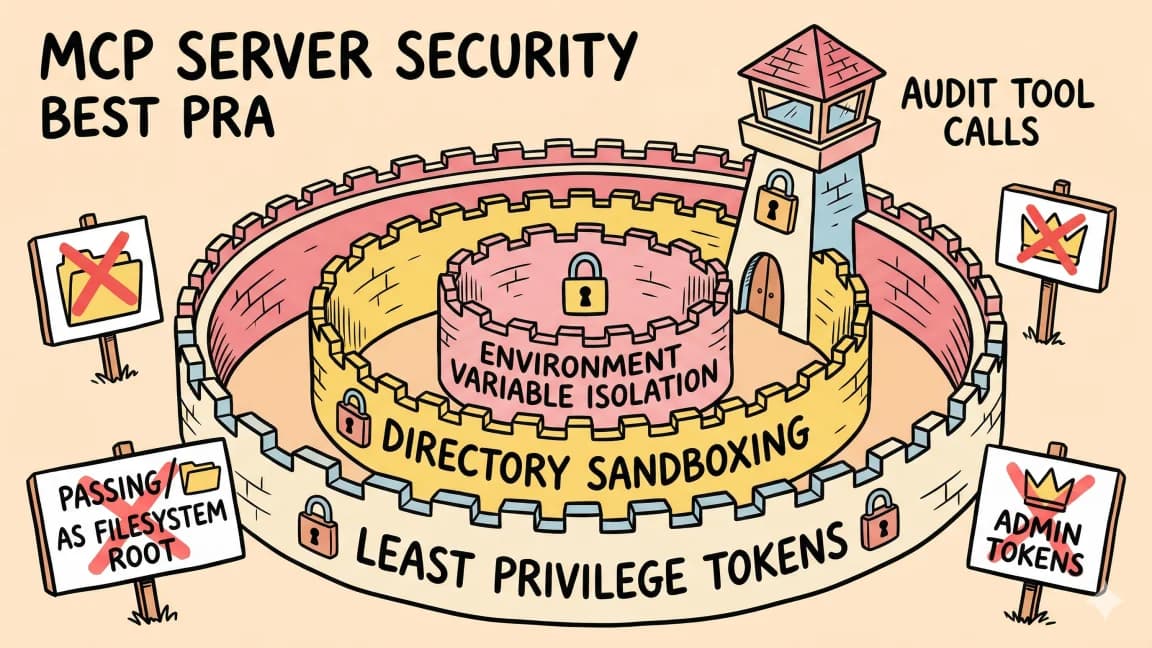
Permissions, Logs, and Rollback for AI Coding Agents
AI coding agents become safer when permissions, logs, and rollback are designed as one system. Here is the operating loo...
8 min read
AI Agents
Agent Evals Need Baseline Receipts
Hex's data-agent lab shows the practical eval pattern AI teams should copy: compare candidates against stable baselines,...
8 min read
Claude Code
Claude Code Token Burn Is an Observability Problem
The latest Claude Code cache-burn debate is not just a quota complaint. It is a reminder that coding agents need cache-h...
9 min read
OpenTelemetry
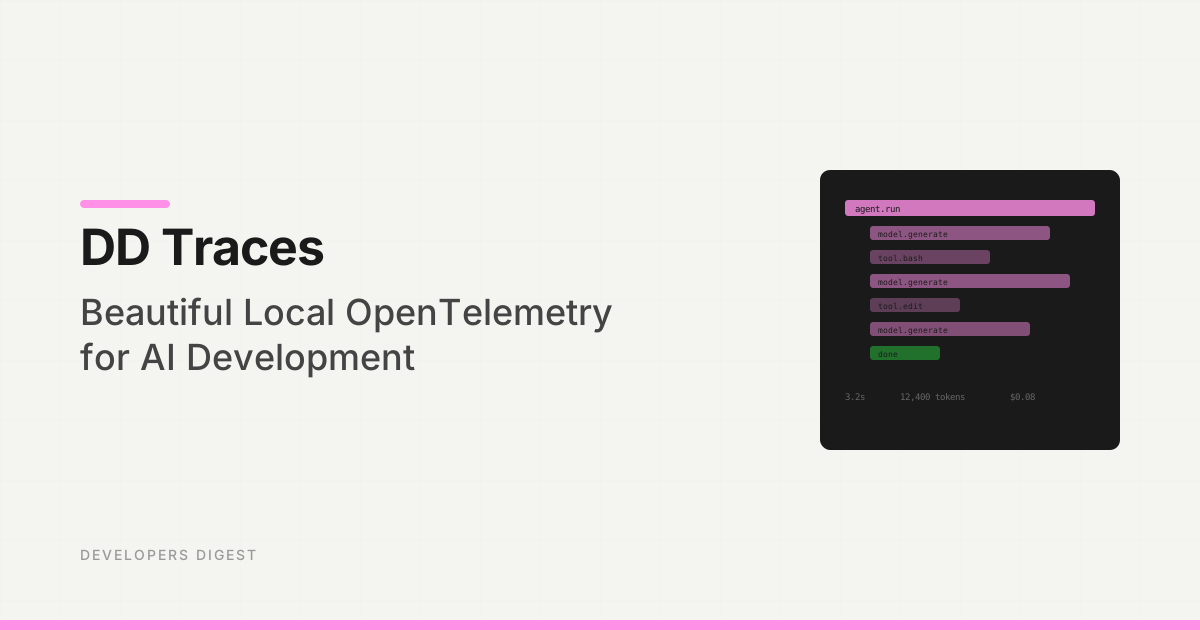
Local OpenTelemetry Traces Are Agent Receipts
AI agent work needs local observability. OpenTelemetry, OTLP, Vercel AI SDK telemetry, and lightweight trace viewers giv...
Build with the member tools
Get Smarter About AI Dev
New tutorials, open-source projects, and deep dives on coding agents - delivered weekly.
One email per weekReal code, not theoryFree forever