Claude Code's Official Plugin Marketplace Is Here - and It's Already at 23k Stars
TL;DR
Anthropic just shipped an official curated plugin directory for Claude Code. It earned 2,500+ stars in a single day and changes how you extend your AI coding workflow.
Why This Hit Trending Today
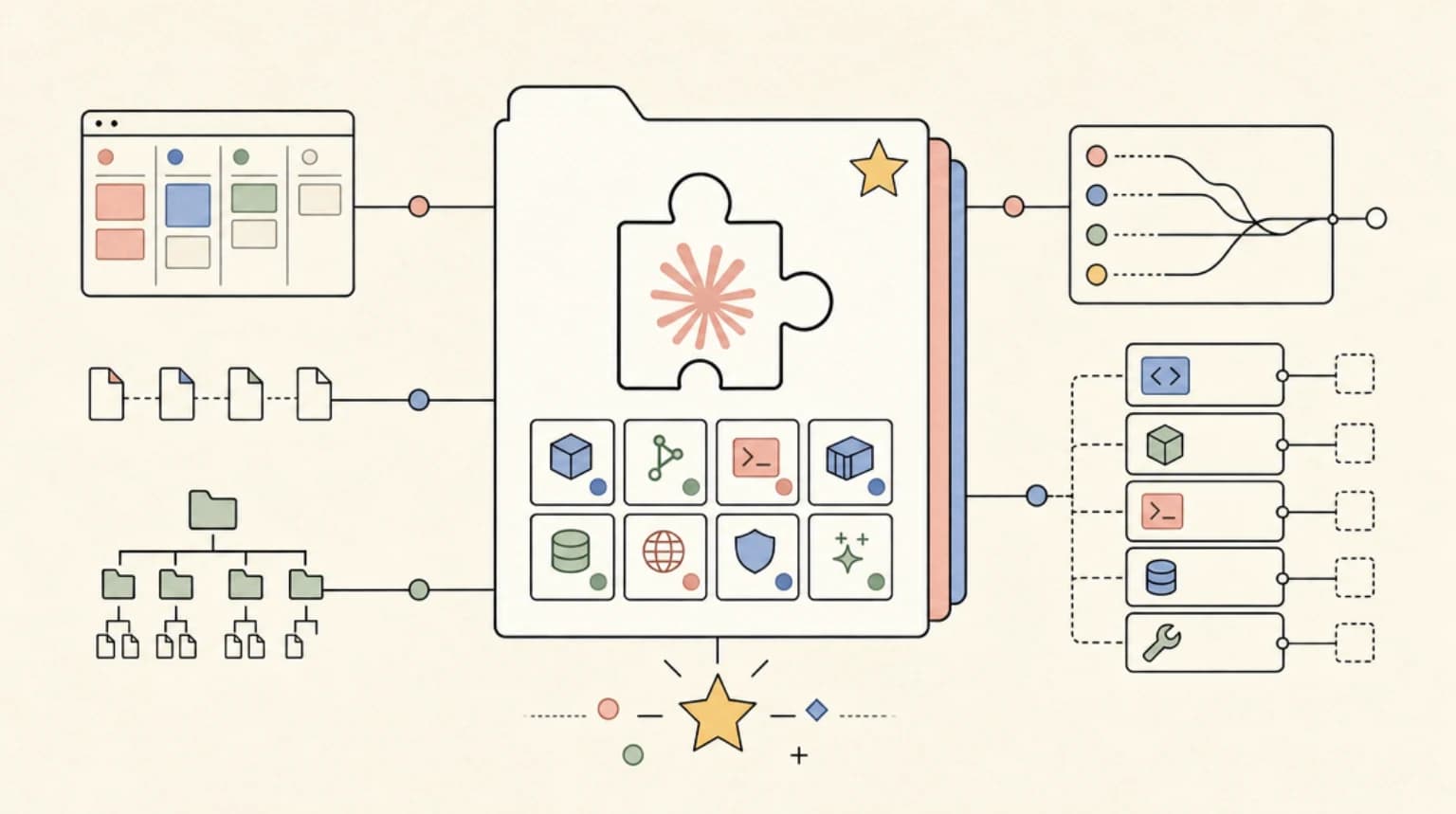
anthropics/claude-plugins-official landed at number one on GitHub trending today with 2,556 new stars in 24 hours, pushing its total past 23,800. That velocity is not random. It is Anthropic's answer to a real pain point: developers have been shipping skills, hooks, MCP servers, and agents in scattered GitHub repos with no standard install path. The official plugin directory gives all of that a single, curated home inside Claude Code itself. When a first-party distribution channel ships from the tool's own creator, developers pay attention fast.
What the Plugin Directory Actually Does
The claude-plugins-official repo is a curated marketplace of plugins that extend Claude Code's functionality. Think of it as the App Store for your AI coding environment - but open source, git-backed, and with a companion community tier for third-party submissions.
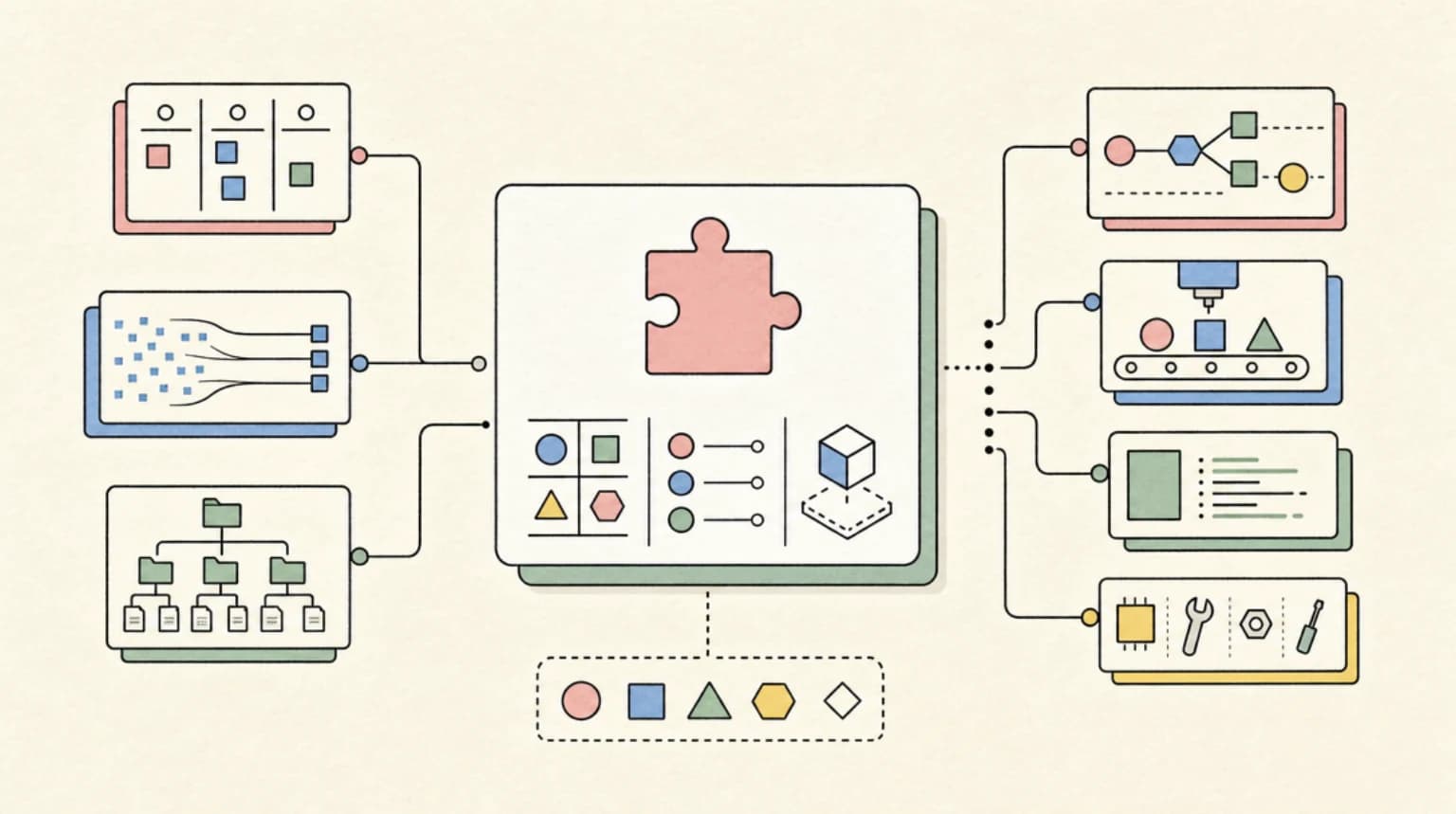
Plugins are structured directories that bundle any combination of:
- Skills - Model-invoked SKILL.md files that teach Claude new procedures
- Agents - Custom agent definitions with their own system prompts, tool restrictions, and models
- Hooks - Event handlers that fire on tool use, session start, or stop
- MCP servers - External tool integrations via the Model Context Protocol
- LSP servers - Language server integrations for real-time code intelligence
- Background monitors - Long-running watchers that stream events into the session
- Binaries - Executables added to the Bash tool's PATH while the plugin is active
The directory maintains two tiers. The claude-plugins-official side is curated by Anthropic and ships pre-configured in every Claude Code installation. A separate anthropics/claude-plugins-community repo holds third-party submissions that pass review. These install with a short @marketplace handle rather than a full git URL.
Each plugin follows a standard structure: a .claude-plugin/plugin.json manifest at the root for metadata, then skills/, agents/, hooks/, .mcp.json, and monitors/ directories alongside it. One important gotcha - all functional directories must sit at the plugin root, not inside .claude-plugin/. The docs flag that as the most common setup mistake.
Newsletter
Get the weekly deep dive
Tutorials on Claude Code, AI agents, and dev tools, delivered free every week.
From the archive
Sandboxed Agents Are Becoming the Team Control Plane
May 22, 2026 • 8 min read
Forge Shows the Local Agent Reliability Gap Is a Harness Problem
May 20, 2026 • 7 min read
Anthropic Buying Stainless Is About Agent Plumbing
May 19, 2026 • 8 min read
Agent Skills Are Becoming Package Managers
May 17, 2026 • 8 min read
Install and Try It
If you are running a recent Claude Code build, the official marketplace is already registered. Browse available plugins with:
/plugin > Discover
Install a specific plugin directly:
/plugin install {plugin-name}@claude-plugins-official
To add the community marketplace and install from it:
/plugin marketplace add anthropics/claude-plugins-community
/plugin install {plugin-name}@claude-community
For local development, load a plugin directory without installing it:
claude --plugin-dir ./my-plugin
The --plugin-dir flag also accepts a .zip archive (requires Claude Code v2.1.128 or later):
claude --plugin-dir ./my-plugin.zip
During development, run /reload-plugins to pick up changes without restarting the session. Plugin skills are namespaced to prevent conflicts - a skill named hello in a plugin called my-plugin becomes /my-plugin:hello.
Who Should Use This
Teams standardizing their Claude Code workflows - If your team has spread settings, hooks, and slash commands across individual .claude/ directories with no shared baseline, a plugin gives you one install command that propagates the full setup. The plugin's settings.json can activate a custom agent as the main thread when the plugin loads.
Developers who already built standalone skills - The migration path is documented. Copy commands/ and skills/ directories into a plugin root, create the plugin.json manifest, move hooks from settings.json into hooks/hooks.json, and test with --plugin-dir. The plugin version takes precedence over .claude/ configs with matching names.
Tool builders who want distribution - If you maintain a CLI or service that benefits from a dedicated Claude Code workflow (custom review commands, deploy hooks, context-aware diagnostics), packaging as a plugin gives you a standard install path. Approved community plugins are pinned to a commit SHA and synced nightly.
Solo developers who context-switch across many stacks - A per-project plugin that bundles LSP config, framework-specific agents, and relevant hooks can replace a growing pile of manual project setup.
Relation to the DevDigest Ecosystem
This repo sits exactly where our community tooling lives. Developers Digest has been tracking the MCP ecosystem at mcp.developersdigest.tech, documenting skills patterns at skills.developersdigest.tech, and covering hooks workflows at hooks.developersdigest.tech. The plugin format unifies all three into one distributable unit.
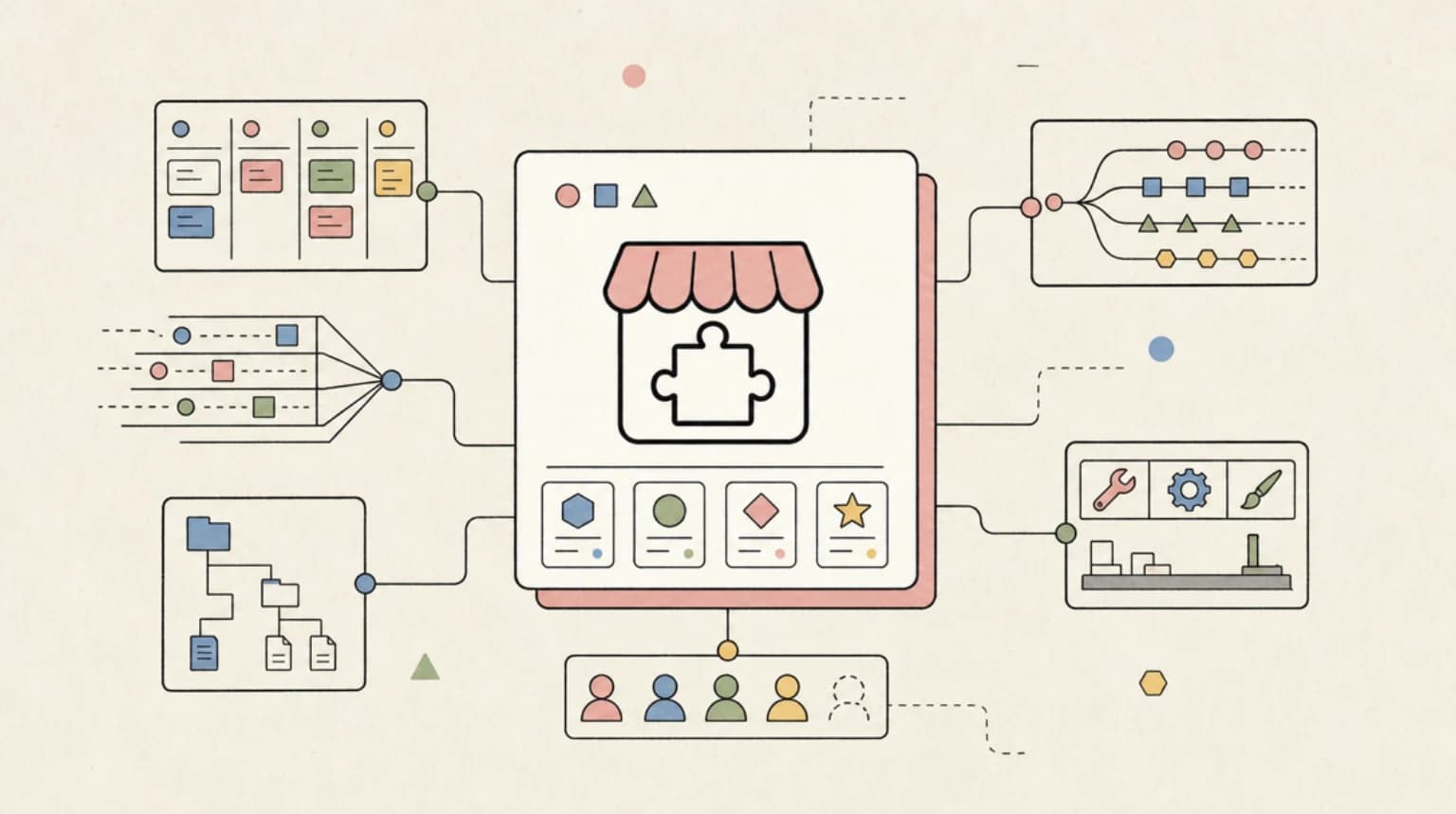
The key shift is that skills, hooks, and MCP server configs no longer live in isolated repos with custom install docs. A single /plugin install command pulls the manifest and its bundled components together. That makes the patterns we have been documenting at DevDigest far more actionable - you can now point someone at a plugin URL and have them running your exact workflow in under a minute.
The bin/ directory support is especially relevant to the CLI-focused content at clis.developersdigest.tech. Plugins can ship executables that land directly in the Bash tool's PATH, which means CLI wrappers and helper scripts can ship alongside the skills that call them - no separate install steps required.
Honest Assessment
The directory structure is clean and the documentation at code.claude.com/docs/en/plugins is thorough. The namespacing approach (/plugin-name:skill-name) prevents conflicts between plugins sensibly.
The limitations are worth knowing upfront. The official marketplace (claude-plugins-official) is curated by Anthropic at its discretion with no application process - you cannot submit your plugin there. Community submissions go to claude-plugins-community and have a review pipeline plus a nightly sync delay, so approvals do not appear instantly. The security model is trust-based: Anthropic explicitly warns that it cannot verify MCP servers or bundled software in third-party plugins. Read the source before installing anything outside your own production.
The feature set is rich but some components - background monitors, --plugin-url remote loading - require specific Claude Code versions. Check your version before relying on those in team setups.
For the right use case (team standardization, shareable developer tooling), this is a meaningful quality-of-life upgrade over the current manual .claude/ copy-paste approach.
References
Read next
Aider vs Claude Code: Open Source vs Commercial AI Coding CLI
Aider is open source and works with any model. Claude Code is Anthropic's commercial agent. Here is how they compare for TypeScript.
5 min readHow to Use Claude Code with Next.js
A practical guide to using Claude Code in Next.js projects. CLAUDE.md config for App Router, common workflows, sub-agents, MCP servers, and TypeScript tips that actually save time.
14 min readClaude Code vs Cursor in 2026: Which Should You Use?
Claude Code is agent-first. Cursor is editor-first with CLI agents. Both write TypeScript. Here is how to pick the right one.
5 min readShare
Suggest an editSave
Developers Digest
Technical content at the intersection of AI and development. Building with AI agents, Claude Code, and modern dev tools - then showing you exactly how it works.
300+ videos30K+ GitHub stars50+ articles
Related Tools
Productivity

Codeburn
Interactive TUI dashboard that shows exactly where your Claude Code and Cursor tokens are going, in real time.
View ToolAI CodingDaily Driver
Claude Code
Anthropic's agentic coding CLI. Runs in your terminal, edits files autonomously, spawns sub-agents, and maintains memory...
View ToolAI FrameworksEssential
Vercel AI SDK
The TypeScript toolkit for building AI apps. Unified API across OpenAI, Anthropic, Google. Streaming, tool calling, stru...
View ToolMCP Tools
PulseMCP
MCP server directory and ranking site. Tracks weekly downloads, GitHub stars, and build status across 5,000+ servers.
View ToolApps from Developers Digest
Developer ToolsPlus $20/mo
Skills Pro
Unlock pro skills and share private collections with your team.
View AppDeveloper Tools
Agent Hub
Every coding agent in one window. Stop alt-tabbing between Claude, Codex, and Cursor.
View AppDeveloper ToolsIn Progress
Skill Builder
Turn a one-liner into a working Claude Code skill. From idea to installed in a minute.
View AppRelated Guides
Guide
MCP Installation Scopes - Claude Code
Local, project, user, and plugin-level MCP configurations.
Claude CodeGuide
Terminal CLI - Claude Code
The primary command-line entry point for Claude Code sessions.
Claude CodeGuide
Interactive Mode - Claude Code
Real-time prompt loop with history, completions, and multiline input.
Claude CodeRelated Videos

Claude Code: NEW Remote Control, Auto Memory, Plugins & More
Anthropic's Big Claude Code & Cowork Update: Remote Control, Scheduled Tasks, Plugins, Auto Memory + New Simplify/Batch Skills The script recaps a consolidated update on new Anthropic releases across
Video·

Claude Code Just Killed After Effects
Create motion graphics and launch videos using natural language — no traditional video editor required. 🔗 Try Higgsfield Katana in Claude:** https://higgsfield.ai/s/katana-inside-claude-yt-developer...
Video·

Generate Videos in Codex + Claude Code with This...
Check out HeyGen! https://heygen.1stcollab.com/developersdigest The video introduces HeyGen, an AI video generation platform with a rich API and a CLI that lets developers create, fetch, and manipula...
Video·
Related Posts
6 min read
Trending
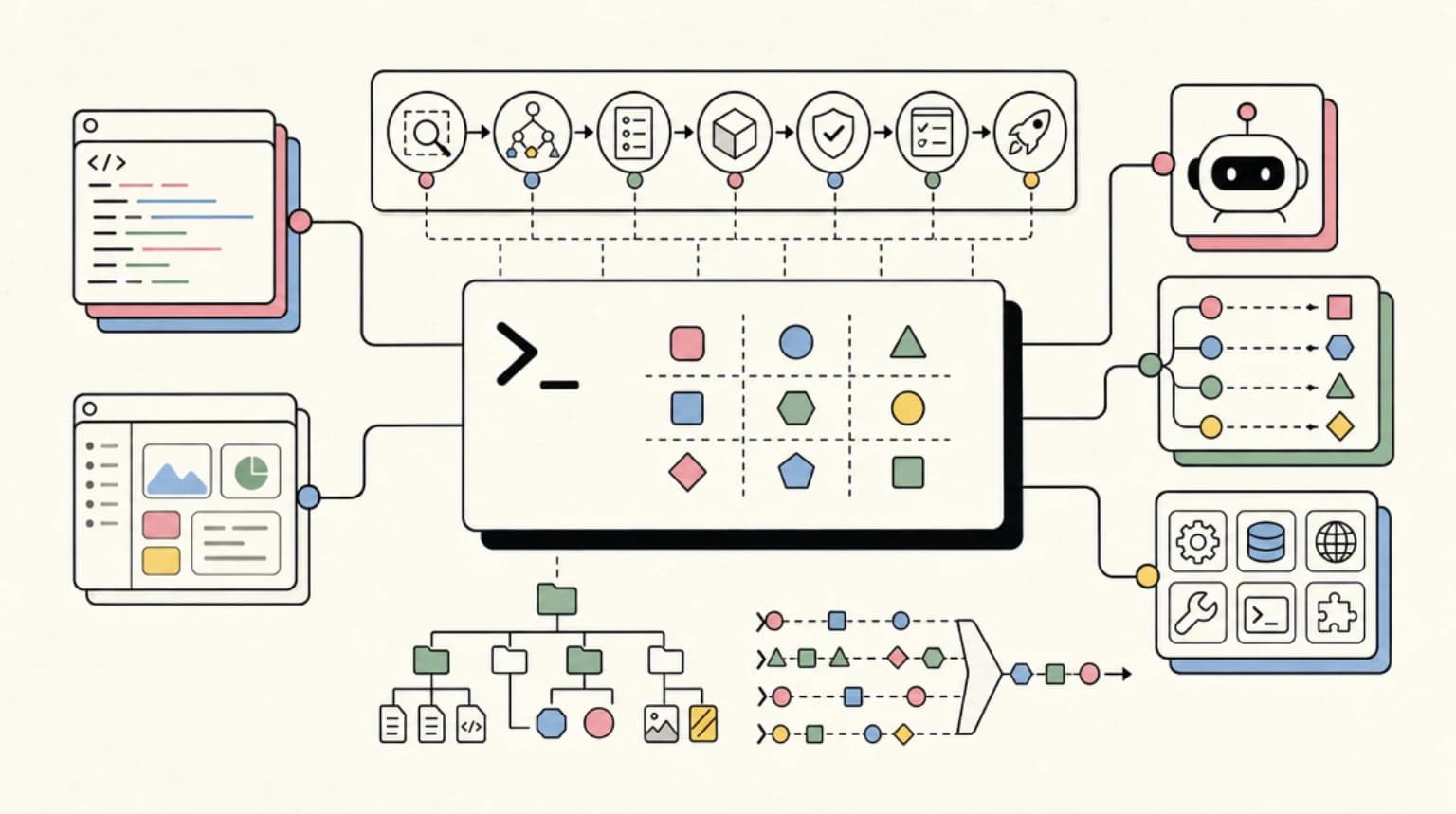
CLI-Anything Turns Any Software Into an Agent-Ready Command Line
HKUDS/CLI-Anything hit 40,000 stars by solving a stubborn gap: most desktop software has no interface AI agents can reli...

7 min read
Claude Code
The Claude Design Moment: AI Design Skills Just Got Their Breakout Week
Four Claude-Design-adjacent repos entered the trending week with a combined 8,300+ stars. Huashu-design, open-codesign,...
10 min read
Claude Code
Building a SaaS with Claude Code: End-to-End Guide
How to go from idea to deployed SaaS product using Claude Code as your primary development tool. Project setup, feature...
9 min read
AI Agents
How to Debug AI Agent Workflows
AI agents fail in ways traditional debugging cannot catch. Here are the tools and patterns for finding and fixing broken...
6 min read
MCP
MCP vs Function Calling: When to Use Each
MCP servers and function calling both let AI tools interact with external systems. They solve different problems. Here i...

14 min read
Claude Code
How to Use Claude Code with Next.js
A practical guide to using Claude Code in Next.js projects. CLAUDE.md config for App Router, common workflows, sub-agent...
Build with the member tools
Get Smarter About AI Dev
New tutorials, open-source projects, and deep dives on coding agents - delivered weekly.
One email per weekReal code, not theoryFree forever